
The Rise of Edge Computing in Modern Technology
Edge computing has emerged as a transformative trend in modern technology, shifting data processing closer to the sources of information rather than relying solely on centralized cloud systems. Traditional cloud computing often requires transmitting large volumes of data to remote servers for analysis, which can lead to latency and bandwidth issues. Edge computing addresses these limitations by processing data locally on devices or at the network edge, enabling faster response times and more efficient resource use. Its adoption spans industries such as healthcare, manufacturing, transportation, and smart cities, highlighting its growing relevance in today’s digital landscape.
Reducing Latency and Enhancing Performance
One of the primary advantages of edge computing is its ability to minimize latency. By processing data near the point of generation, systems can respond in real time to critical events. This is particularly important in applications that require instantaneous decision-making, such as autonomous vehicles, industrial automation, and remote medical monitoring. Faster processing not only improves performance but also enhances safety and reliability. Reducing reliance on centralized cloud servers enables organizations to optimize operations and deliver services to end users more efficiently.
Efficient Use of Bandwidth and Resources

Transmitting massive amounts of data to centralized cloud servers can strain network bandwidth and increase operational costs. Edge computing alleviates this challenge by filtering, aggregating, and analyzing data locally before sending only relevant insights to the cloud. This approach reduces data traffic, lowers latency, and conserves network resources. Businesses can benefit from cost savings and improved system responsiveness while maintaining the ability to leverage cloud analytics when necessary. Efficient resource management is a key driver of edge computing adoption across technology sectors.
Supporting IoT and Smart Devices
The proliferation of Internet of Things (IoT) devices has accelerated the need for edge computing. Smart sensors, connected appliances, and wearable technology generate continuous streams of data that require real-time processing. Edge computing enables these devices to operate more autonomously, make on-site intelligent decisions, and communicate with minimal delay. In smart city infrastructure, for example, traffic management systems rely on localized data analysis to optimize signal timing and reduce congestion. By supporting rapid computation at the network edge, edge computing enhances the functionality and responsiveness of IoT ecosystems.
Enhancing Security and Data Privacy

Processing data closer to its source also offers security and privacy benefits. Sensitive information can be analyzed locally without transmitting it across public networks, reducing exposure to potential breaches. Edge computing enables organizations to implement encryption, access controls, and other security measures on-site, reducing the need to transfer and store data in centralized locations. This approach is particularly valuable in healthcare, finance, and industrial applications where confidentiality is critical. By minimizing unnecessary data movement, edge computing helps organizations safeguard information while maintaining compliance with privacy regulations.
Facilitating Scalable and Flexible Architectures
Edge computing supports scalable and flexible technology architectures that can adapt to evolving business and operational needs. Organizations can deploy processing nodes incrementally as demand grows, rather than relying solely on expanding centralized data centers. This modular approach enables tailored solutions for diverse environments, from remote industrial sites to urban infrastructure. The combination of local computation, cloud integration, and flexible deployment strategies ensures that edge computing can meet both current and future technological requirements.
The rise of edge computing reflects the growing need for faster, more efficient, and secure data processing in modern technology. By reducing latency, optimizing bandwidth, supporting IoT devices, enhancing security, and enabling scalable architectures, edge computing transforms how organizations collect, analyze, and act on information. As industries continue to embrace digital transformation, edge computing is poised to play a central role in shaping responsive, intelligent, and connected systems across a wide range of applications.…




 Sometimes, people get scammed when paying for the members they’re trying to buy. That’s why ensuring the payment gateway is secure is mandatory. With SSL encrypted payment gateway, you can be sure that your sensitive information, such as credit card details, is safe from hackers and cyber threats.

 But aside from all of its glory, this type of business also includes some risks when it comes to


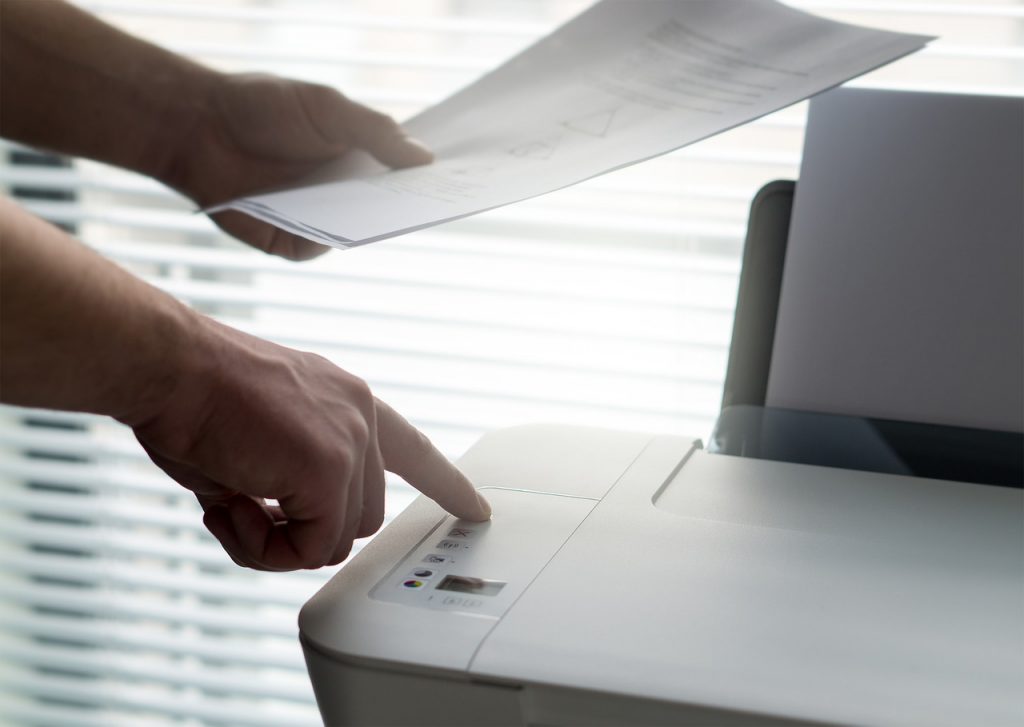 Most people especially the newer generations are surprised to know that the fax is still used despite it’s 2018. But yes, faxes are still used, and if you can’t use the fax machine, you better learn it, either from asking a friend or from the internet. If you have no luck with the two, don’t hesitate to ask a senior in the office on how to use the fax machine because it’d be so embarrassing to break the fax machine on your first day. If your company doesn’t have a fax machine then here’s a guide on how to send a fax from Gmail with ease.
 Make everything paperless
 How many of you have gone out for a day, and forgot to charge? We all have that kind of situations before, and chances are you’re going to be left outside with no battery and looking like an awkward person do. Worry no further though, nowadays they have portable power bank for sale, and they are small cubes (depending on the design) That can charge your phone, but you have to remember to charge your portable power bank or else both your phone and your power bank will have no power at all. There’s also portable power bank for laptops, perfect in emergency situations.…